What happens when a user tries to access a campaign that has expired?
This article explains what users experience when they attempt to access a phishing or training campaign that has expired.
Phishing campaign
The Close Date field on a phishing campaign's Details page shows the date and time the campaign expires. When a phishing campaign is created, BullPhish ID calculates this expiration date by adding three days to the Send By Date value.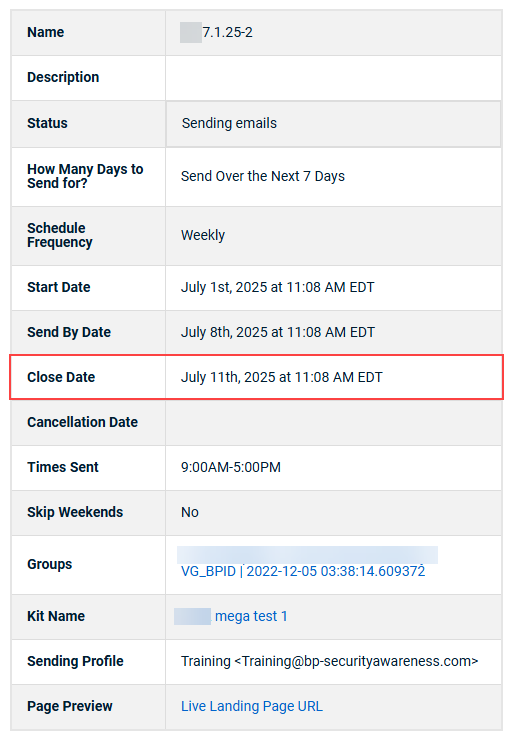
If a target clicks an attachment or phishing link in the phishing email after the campaign has expired, the default BullPhish ID phishing and training awareness page is displayed.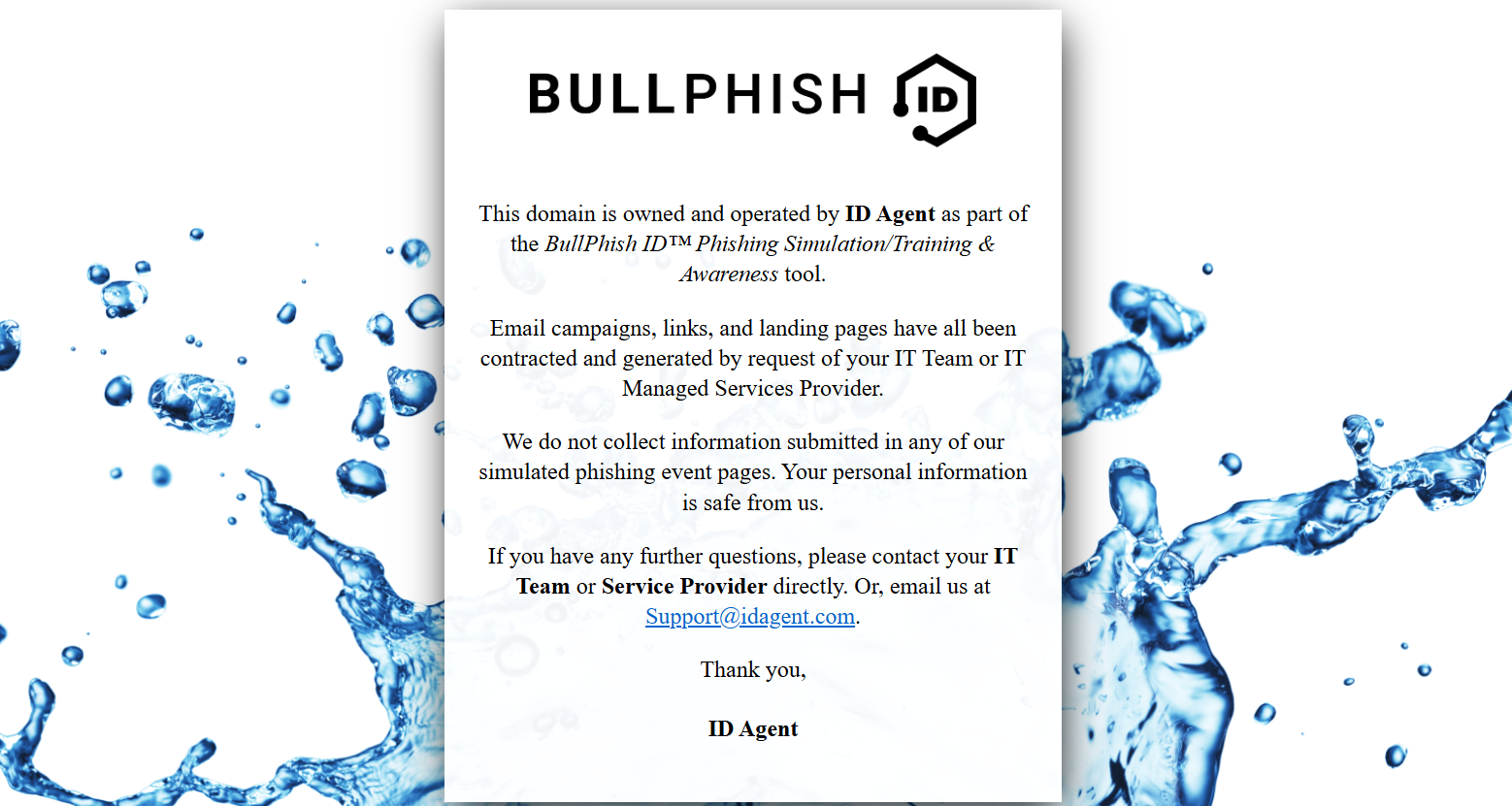
Training campaign
The Expiration Date field on a training campaign's Details page indicates the date and time the campaign expires. When a training campaign is created, BullPhish ID calculates this expiration date by adding the selected value in the Training Course Expiration field (for example, 7 days, 2 weeks, etc.) to the Send By Date value.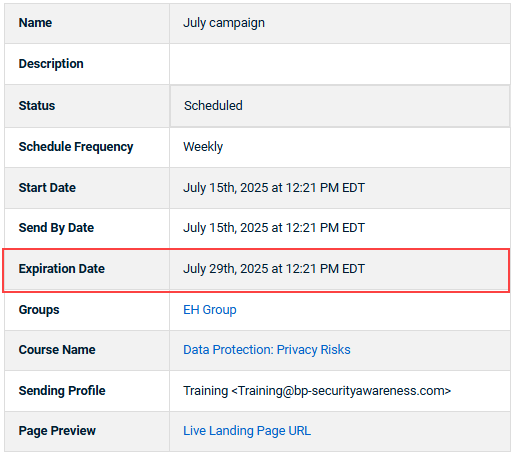
If a target clicks the course link in the training email after the campaign has expired, they will be able to log into the training portal but will see a message indicating that the course has expired.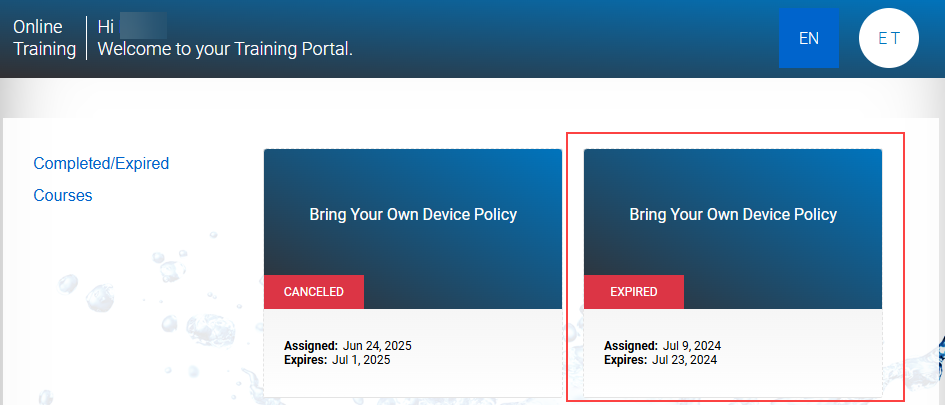
| Revision | Date |
|---|---|
| New article. | 7/14/25 |


