BullPhish ID June 25, 2026 2.147 release notes
Enhancements
Validating submission credentials required when previewing phishing kits
When previewing a phishing kit landing page on the View kit page or from the Phishing Kits table, the application now validates form fields when submitting. This allows you to preview the user experience. For example, submitting the form without completing the required fields displays an error.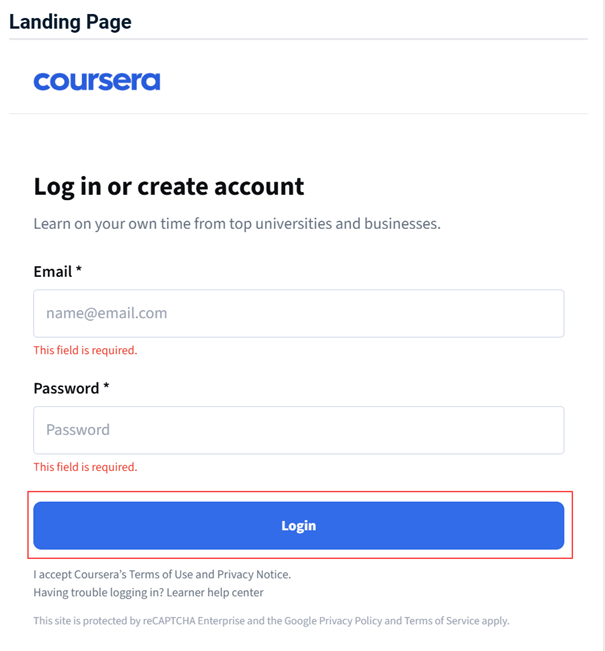
When the form passes validation, the phishing test notification page is displayed.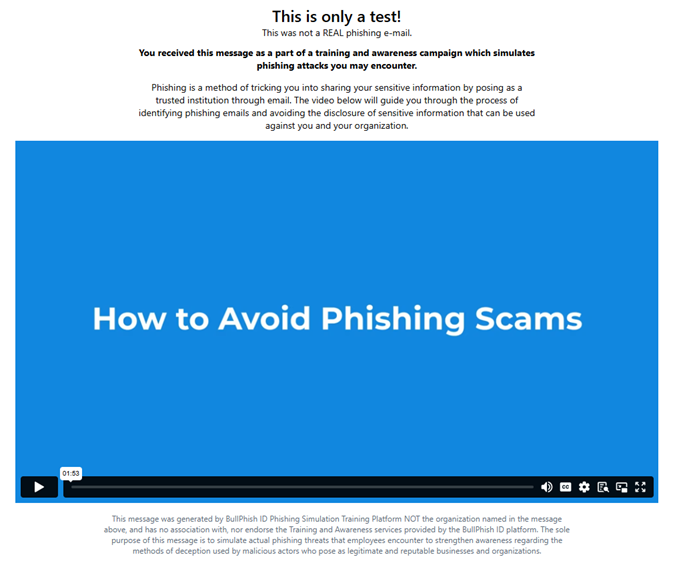
For more information, see Phishing Kits page.
Add sorting by Organization name on Organizations page
The Organizations page now supports sorting by Organization name. The selected sort order persists when you refresh the page, so you do not need to reapply it each time you return. 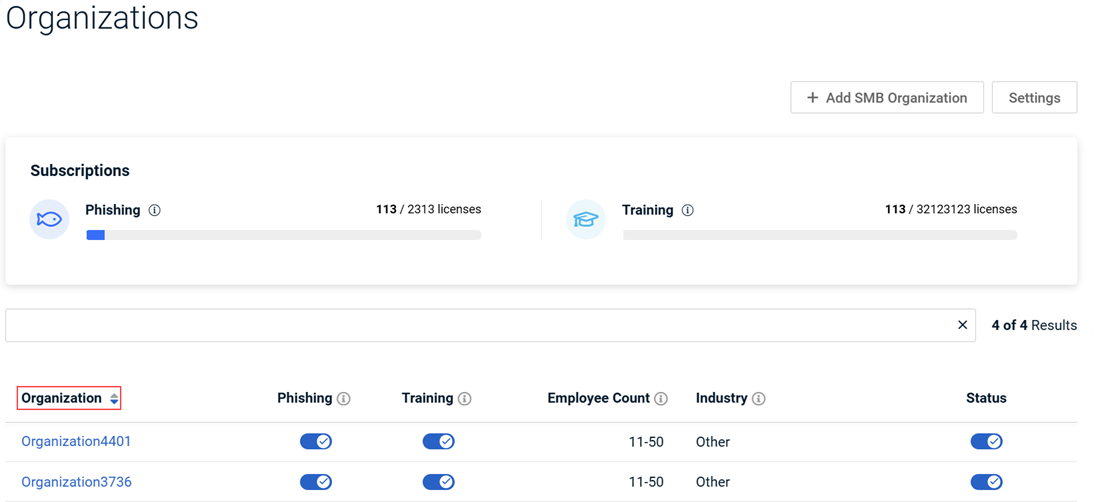
For more information, see Creating an SMB organization.
Google crawler interactions no longer inflate phishing campaign email metrics
Phishing campaign email reports now automatically filter out email-open events generated by Google's crawler and link-preview services. This ensures phishing campaign metrics reflect only real recipient activity. Previously, automated activity from Google IP addresses was counted as genuine recipient engagement, overstating open rates in phishing campaign reports.
Fixes
Automated quarterly user reports displayed an incorrect quarter in the file name and notification emails (for example, Q1 2026 labeled as Q4 2025). This issue occurred when a time zone conversion error caused stored dates to be interpreted without the organization’s time zone context.
This issue affected only the report naming and notification emails. The report data remained accurate.
The issue is now fixed. Quarterly automated user reports display the correct quarter across all time zones.
Also, the Export Report page now includes a Time Zone selector to keep date handling consistent across reports.


